
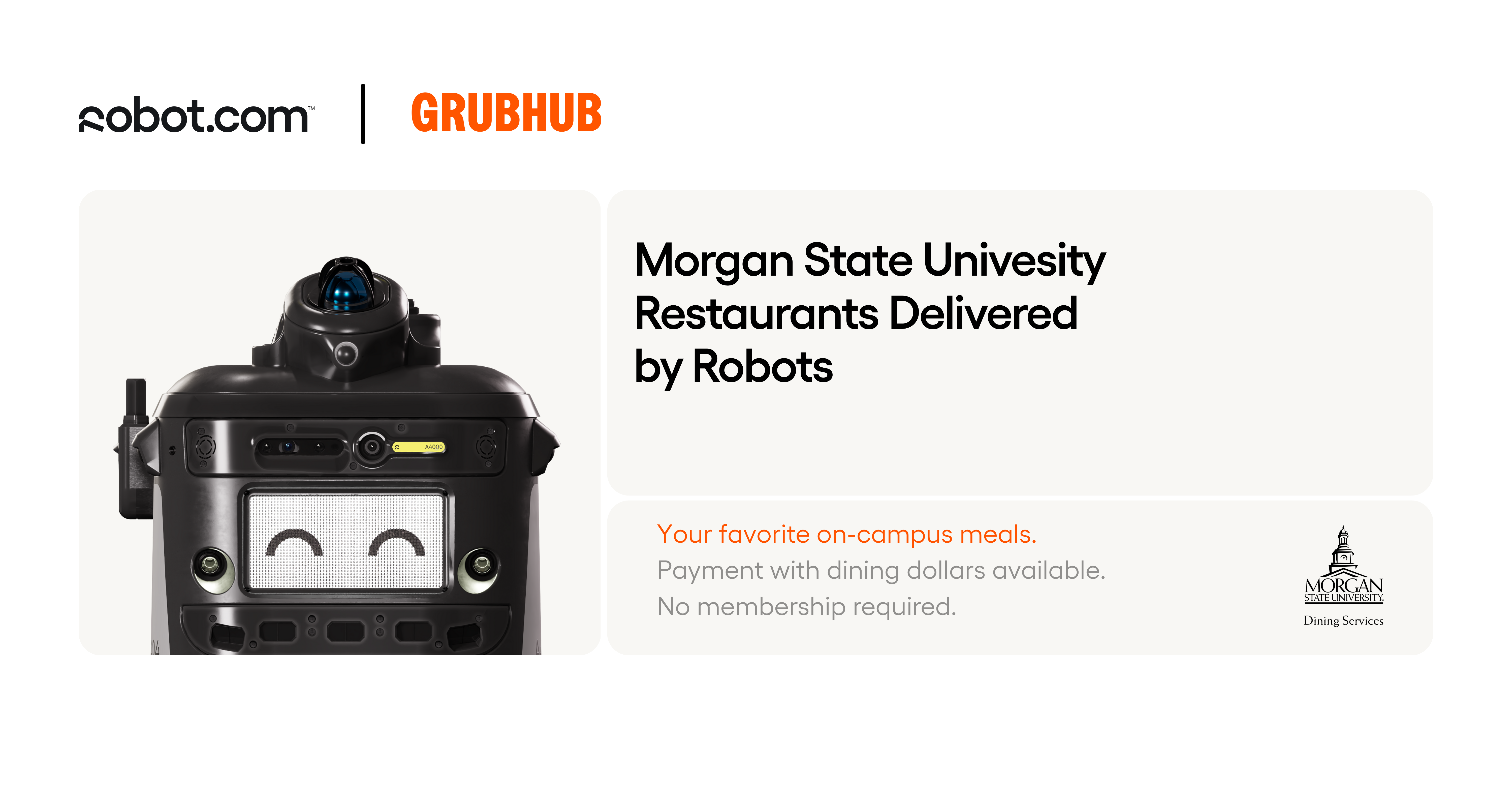
Robot Food Delivery, Now in the Grubhub App
Grubhub and Kiwibot have partnered with Morgan State Dining to offer a futuristic delivery service. That's right, now you can have your favorite on-campus foods brought to you by robot!
Enjoy savory snacks, sweet treats, and hearty meals from all over the Morgan State campus without leaving the comfort of you favorite on-campus hangout spot! The robots provide safe, fast, affordable and environmentally friendly delivery.
Ready to try the future of food delivery?
Step 1: Download the Grubhub App
Available on iOS and Android - search "Grubhub" in your app store.
Step 2: Sign In & select Morgan State University
Log in using your school email and make sure Morgan State University is selected as your location.
Step 3: Add Your Meal Plan
Link your Bear Card in the payment section.
Step 4: Browse Campus Dining Menus
Search or scroll to view all available on-campus restaurants.
Step 5: Choose a Robot Delivery Location
Look for restaurants offering robot delivery. These will be marked as "Pickup & Delivery" or show Kiwibot as the delivery method.
Step 6: Customize and Add to Cart
Build your order and personalize items just like you would in-person.
Step 7: Checkout with Delivery
When you're ready, go to your cart and select 'Delivery'.
Step 8: Set Your Drop-Off Location
Use your current location or choose from pre-set delivery points (residence hall entrance, library, academic building, etc.) Be sure to be nearby when your Kiwibot arrives.
Step 9: Track Your Robot in Real-Time
Once you place your order, follow your robot live in the Grubhub app.
Learn more about Kiwibot's mission at www.kiwibot.com.
Robot Food Delivery, Now in the Grubhub App
Grubhub and Kiwibot have partnered with Morgan State Dining to offer a futuristic delivery service. That's right, now you can have your favorite on-campus foods brought to you by robot!
Enjoy savory snacks, sweet treats, and hearty meals from all over the Morgan State campus without leaving the comfort of you favorite on-campus hangout spot! The robots provide safe, fast, affordable and environmentally friendly delivery.
Ready to try the future of food delivery?
Step 1: Download the Grubhub App
Available on iOS and Android - search "Grubhub" in your app store.
Step 2: Sign In & select Morgan State University
Log in using your school email and make sure Morgan State University is selected as your location.
Step 3: Add Your Meal Plan
Link your Bear Card in the payment section.
Step 4: Browse Campus Dining Menus
Search or scroll to view all available on-campus restaurants.
Step 5: Choose a Robot Delivery Location
Look for restaurants offering robot delivery. These will be marked as "Pickup & Delivery" or show Kiwibot as the delivery method.
Step 6: Customize and Add to Cart
Build your order and personalize items just like you would in-person.
Step 7: Checkout with Delivery
When you're ready, go to your cart and select 'Delivery'.
Step 8: Set Your Drop-Off Location
Use your current location or choose from pre-set delivery points (residence hall entrance, library, academic building, etc.) Be sure to be nearby when your Kiwibot arrives.
Step 9: Track Your Robot in Real-Time
Once you place your order, follow your robot live in the Grubhub app.
Learn more about Kiwibot's mission at www.kiwibot.com.